What Is Tervika?
Tervika is a directional sign design app that turns real GPS coordinates into production-ready sign designs. Enter a location, add destinations, and the app calculates accurate bearings and distances using the Haversine formula. The result is a complete sign layout you can export for CNC cutting, laser engraving, or hand crafting.
Whether you are building a rustic cabin sign pointing to faraway cities, a professional wayfinding post for a resort, or a fun distance marker for your garden — Tervika handles the math and the design so you can focus on making.
Who Is It For?
Tervika is built for anyone who works with directional signs:
- Woodworkers and makers who want accurate bearings and distances on custom signs
- Sign shops and fabricators looking for production-ready DXF files with proper CAM layers
- Tourism businesses creating wayfinding signposts for resorts, campsites, or hiking trails
- Event planners designing custom distance markers for weddings, festivals, or corporate venues
- Homeowners building a personal sign for a lake house, beach house, or backyard
No design experience is needed. The app walks you through the entire process from location selection to finished export.
How Does It Work?
- Set your sign location — Search for an address, pick on a map, or use your current GPS position.
- Add destination plates — Type city names or places. The app finds the coordinates and calculates bearing and distance automatically.
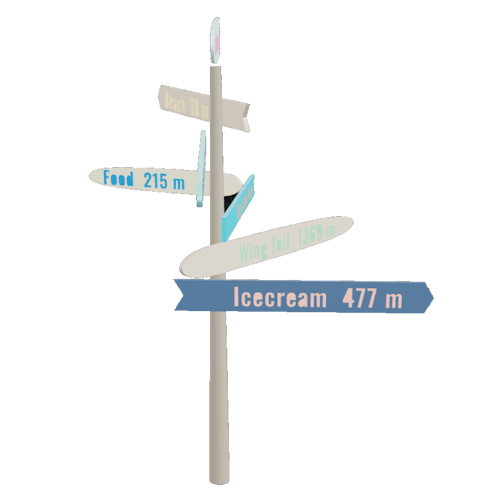
- Customize the design — Choose materials, colors, plate shapes, fonts, and dimensions. A live 2D and 3D preview updates as you go.
- Export for production — Download DXF files for CNC machines, a formatted PDF summary, or a 3D GLB model. Optional CAM sidecar files include tool hints and stock thickness.
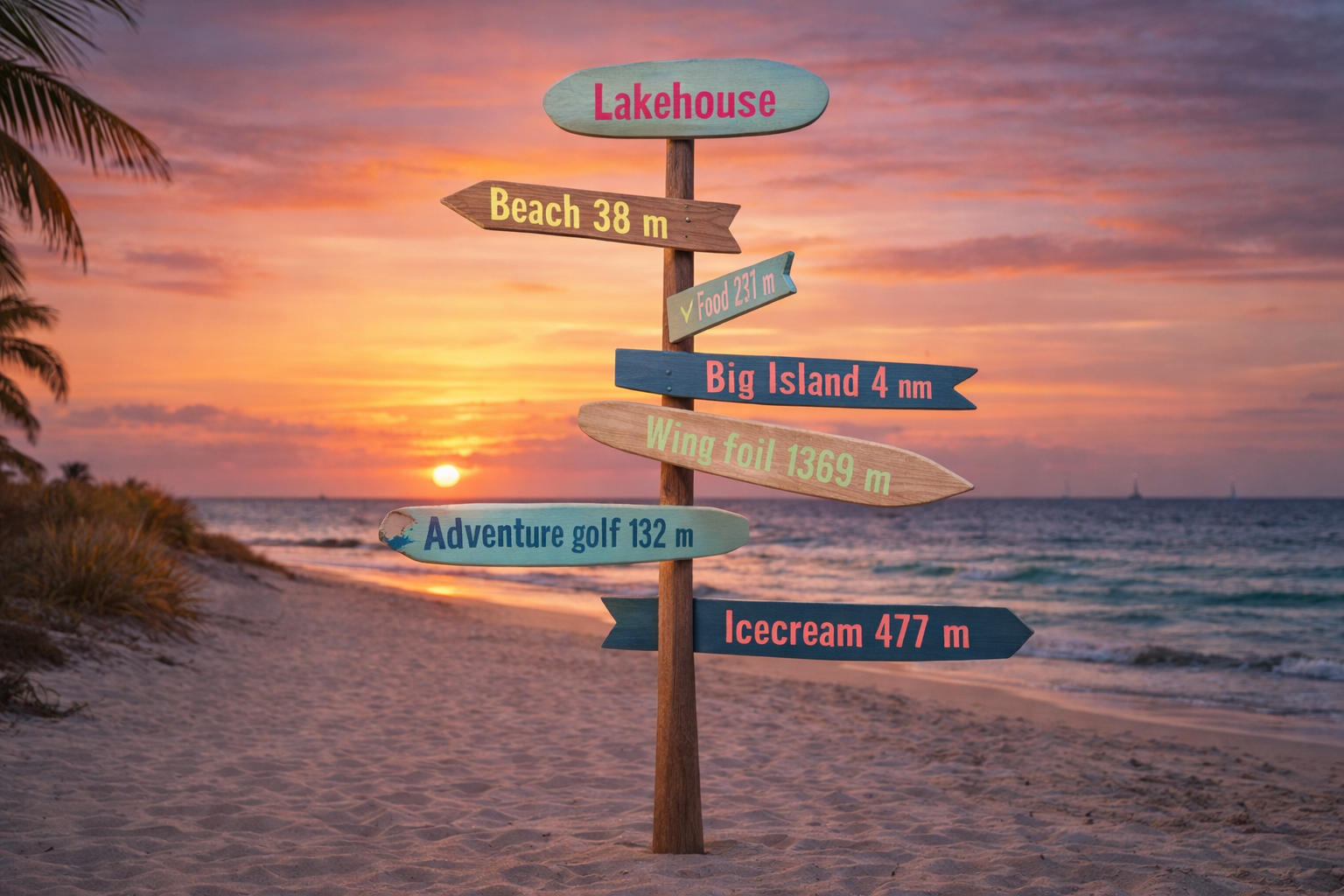
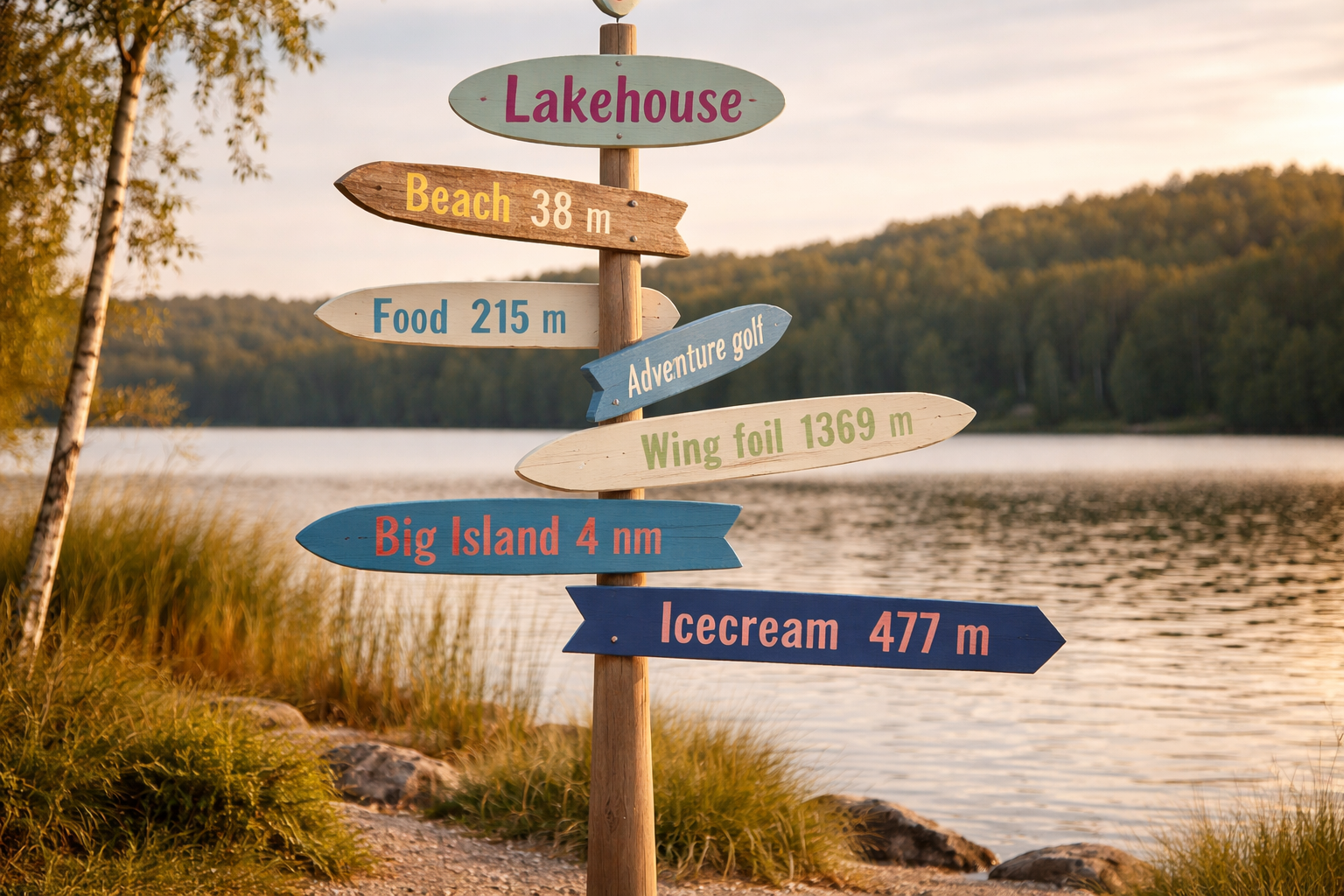
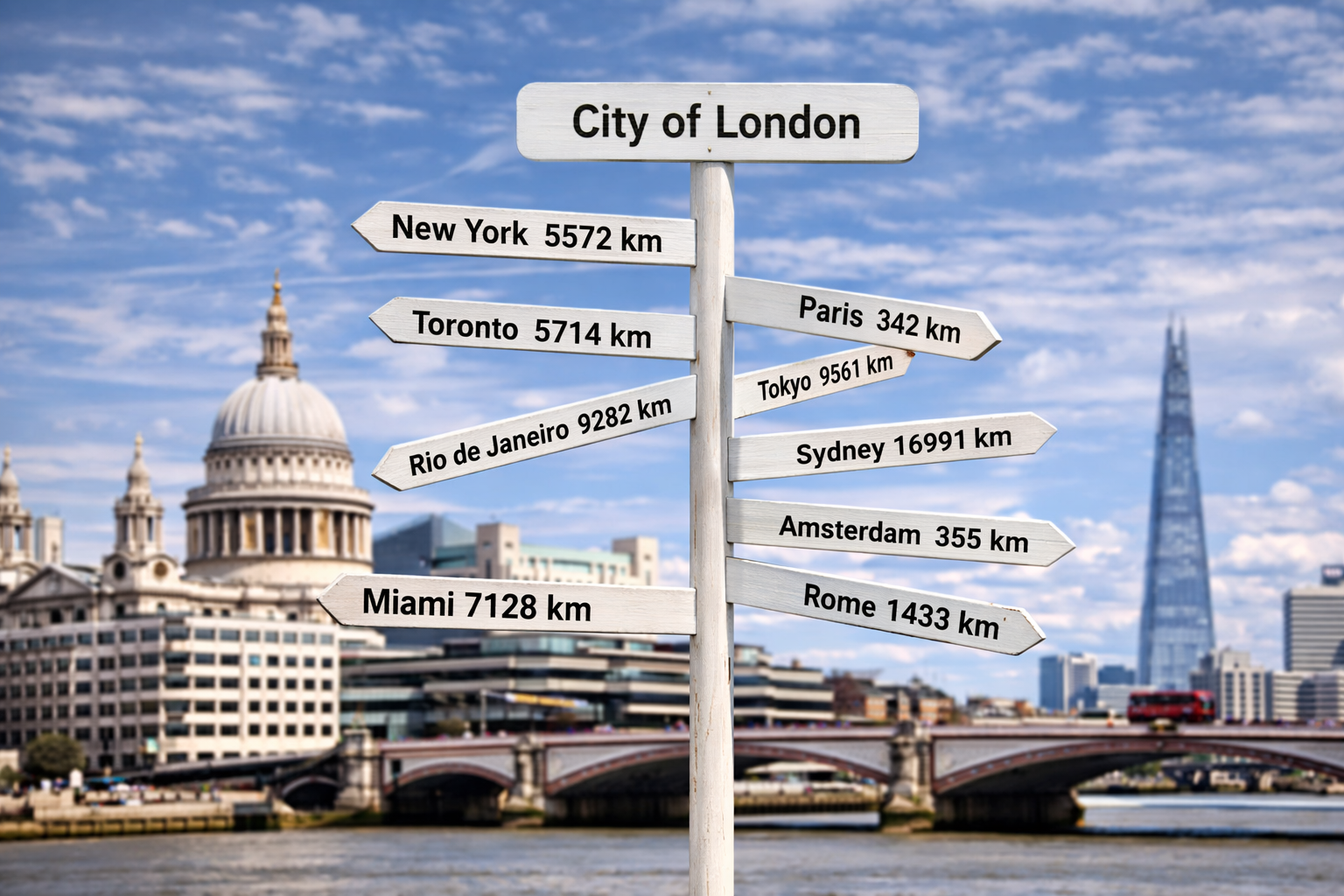
- Generate an AI image — Copy the built-in AI prompt into ChatGPT, Midjourney, or another tool to visualize your sign in a realistic scene.
Design Directional Signs with Real Coordinates
Every plate on your sign points in the actual compass direction of its destination. Tervika uses latitude and longitude to compute the great-circle bearing and distance between two points on Earth. The result is a sign that is not just decorative — it is geographically accurate.
The app supports multiple distance units (kilometers, miles, nautical miles, meters, feet) and measurement units (millimeters, inches). You can mix units per plate, so a single sign can show "Paris 342 km" next to "New York 3,459 mi".
Built for Makers and Professionals
Tervika generates export files designed for real-world production:
- DXF — Industry-standard CAD format with organized layers:
CUT_OUTERfor the profile cut,TEXT_ENGRAVEfor text toolpaths, andGUIDESfor alignment crosshairs. Compatible with any CAD/CAM software. - PDF — A formatted summary document with side-view and top-down compass previews, full dimensions, materials, and specifications. Useful for workshop reference or client approval.
- 3D (GLB) — A 3D model of the complete sign assembly with PBR materials. Open it in any 3D viewer, use it for presentations, or import it into a scene.
- AI Prompt — A structured text prompt with scene presets, a reference image, and sign specifications. Paste it into your favorite AI image generator to create a photorealistic visualization.
Available in 18 Languages
Tervika is designed for a global audience. The app is fully translated and available in: English, العربية (Arabic), Dansk (Danish), Deutsch (German), Español (Spanish), Suomi (Finnish), Français (French), हिन्दी (Hindi), Íslenska (Icelandic), Italiano (Italian), 日本語 (Japanese), Nederlands (Dutch), Norsk (Norwegian), Português (Portuguese), Русский (Russian), Svenska (Swedish), Українська (Ukrainian), and 中文 (Chinese).
Why the Name Tervika?
The name Tervika is inspired by land and direction. It draws subtle influence from "terra," meaning earth, combined with Nordic tonal elements that reflect orientation and place. It represents turning real-world locations into meaningful direction.